
Skip the catalogues and endless product tables. The new digital functions on whizcut.com will help you find the right tooling solution faster.
A material you have not machined before. A small bore. A new threading operation. Or perhaps you just want to know if there is a more efficient way to machine a part. These are everyday questions in machining, and often, you just want an answer. That is the thinking behind the growing range of digital tools on whizcut.com. They are designed to make our tooling knowledge easier to access and help you find the information you need when you need it.
“Machinists and production engineers face questions every day. Which grade should I use? What drill fits this application? Is there a smarter way to machine this part? Our goal is simple: make it easier to find the answers. In many cases, the answer is probably already on whizcut.com.”
Chris Schmidt, Managing Director, WhizCut
- Start with the material. Not sure which carbide grade or cutting data to use for a particular material? FIND YOUR MATERIAL helps you find cutting recommendations based on the material you are machining, giving you a quicker starting point for your application.
- Find the right drill. With FIND MY DRILL, you can narrow down the options and find a drill for your application without having to work your way through the complete product range.
- Find your threading tool. Threading can involve a lot of variables. FIND MY THREADING TOOL, helps you identify a suitable tool for the thread you need to produce.
- How small can you go? When working with small internal diameters, every millimetre matters. Our MINIMUM HOLE function for WhizIn helps you check minimum bore diameters and see what is possible with our internal tooling.
- What difference could WhizTwin make? Sometimes the question is no which tool? but what could we gain by changing the process? With CALCULATE MY IMPACT, you can explore the potential impact of switching to WhizTwin and see how a different tooling solution could affect your operation.
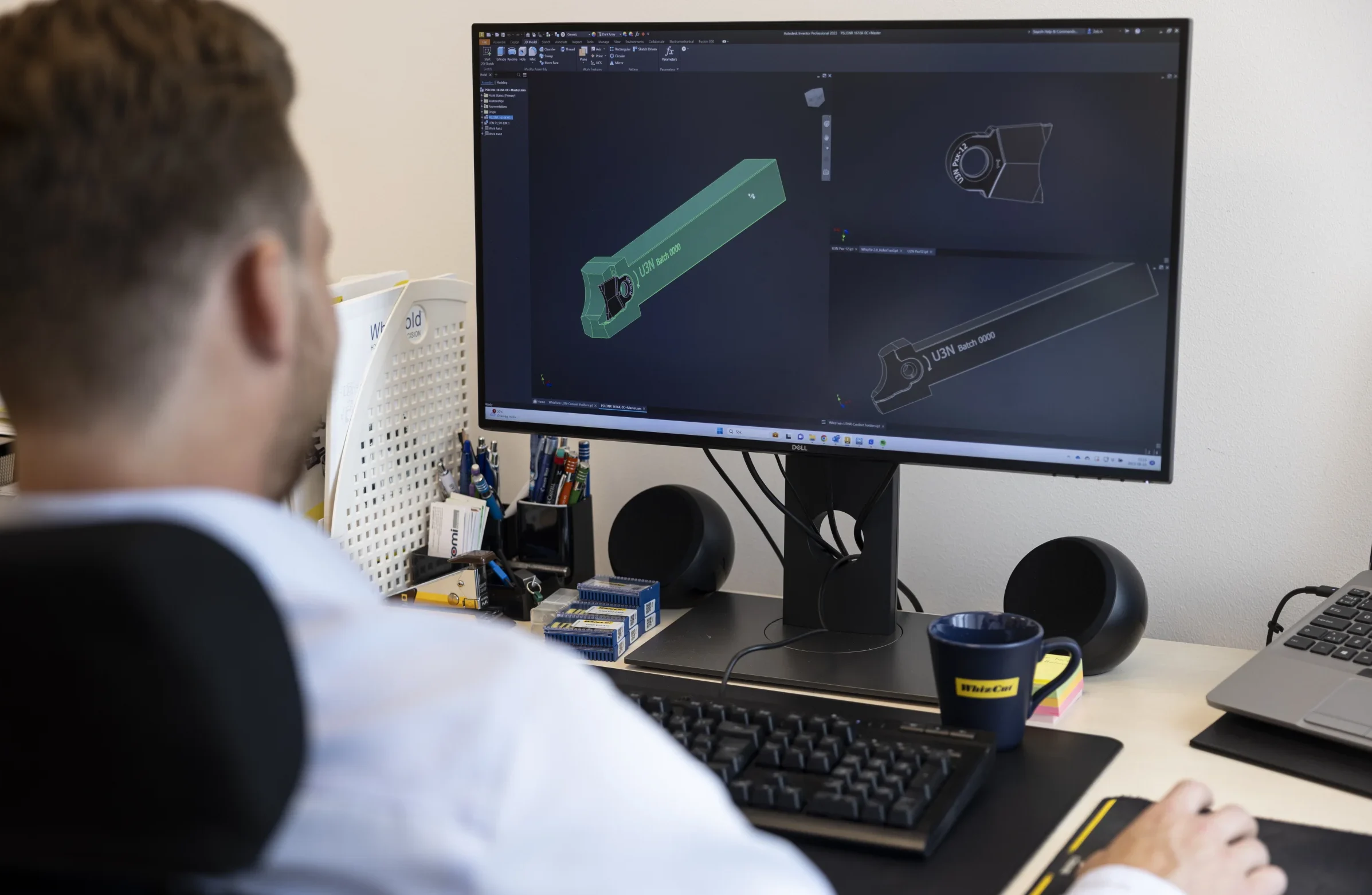
- Need a technical drawing? You can also submit a TECHNICAL DRAWING REQUEST directly online, making it easier to get 3D drawings and the technical information you need for your application.
More answers with fewer steps
The idea behind all these functions is simple: make it easier to work with WhizCut. You should not need to know exactly where to look before you start. Whether you need help with material recommendations, drilling, threading, internal machining or process optimisation, the answer may already be waiting for you here on whizcut.com.
Foto: Tuana Fridén